How to Use CheckLink.io to Protect Your Online Privacy
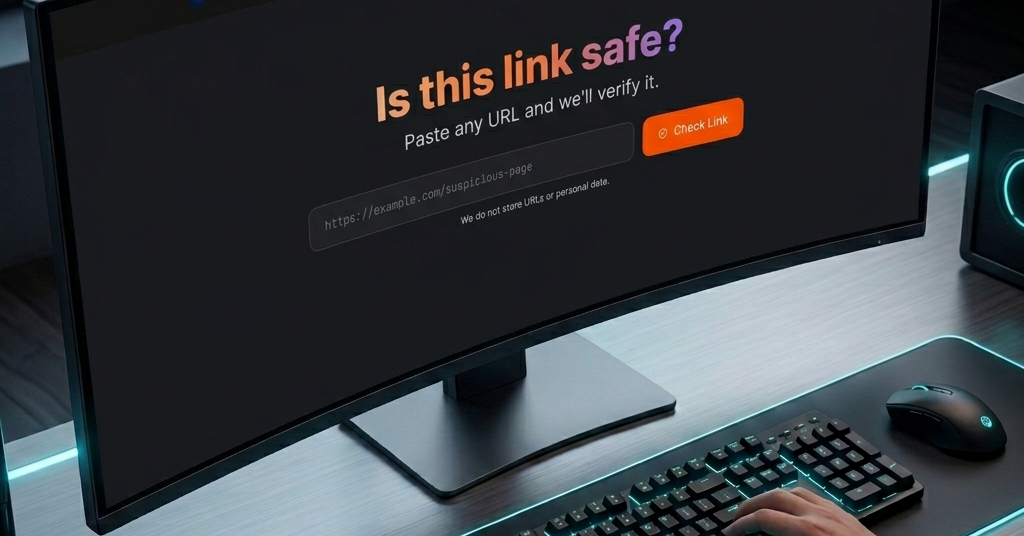
Digital safety starts with a single click. In an era where malicious links are disguised as legitimate notifications, knowing how to verify a destination before you click is the most important skill you can have.
In this guide, we will show you how to use CheckLink.io to protect your identity and your devices from common online scams.
Why Link Verification Matters
Most cyberattacks, including identity theft and malware infections, begin with a suspicious link. Whether it’s a “bank alert” via SMS or a “urgent shipment” email, these links are designed to trick you. By using a verification tool, you add a robust layer of defense between you and the attacker.
How to Verify a Link with CheckLink.io
Using our platform is simple, fast, and completely free. Follow these three steps:
- Copy the Link: Right-click (or long-press on mobile) the link you received and select “Copy Link Address.” Do not click it yet!
- Paste into CheckLink: Go to CheckLink.io and paste the URL into our secure search bar.
- Analyze the Results: Our system will cross-reference the URL against Google Safe Browsing and other threat databases to give you a real-time safety report.
Pro Tip: Check Before You Share
If you receive a suspicious link from a friend, they might have been hacked. Instead of sharing it with others to ask “is this safe?”, scan it yourself and share the safety result instead.
Conclusion
Proactive verification is the enemy of cybercrime. By making CheckLink.io a part of your daily digital routine, you are making it significantly harder for hackers to reach your personal data.
Take control of your safety: Experience a safer internet today. Use CheckLink.io to inspect any link that feels out of place. It’s fast, free, and designed for your protection.